


- Joined
- Jan 24, 2017
- Messages
- 19
- Thread Author
- #1
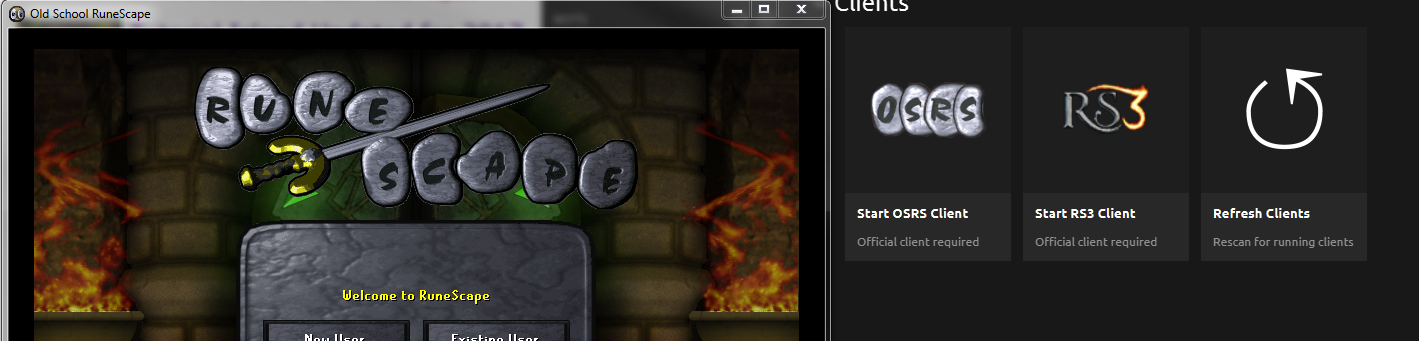
wat do?
win 7 64bit, java se dev kit 8 update 5 64 bit, 4690k 4 cores oced to 4.3ghz, r9 290 crossfire, 12tb raid , LG 29uc88, razer deathstalker chroma etc
By registering with us, you'll be able to discuss, share and private message with other members of our community.
Sign up now!

Is that the LEGACY client?
wat do?
win 7 64bit, java se dev kit 8 update 5 64 bit, 4690k 4 cores oced to 4.3ghz, r9 290 crossfire, 12tb raid , LG 29uc88, razer deathstalker chroma etc
Not sure, it's about a 1-2 year old one for 07, I have now removed the old one and tried the legacy dl link, but it still doesnt detect itIs that the LEGACY client?
Tried 32 bit, still doesnt detectYou need 32bit java

So when you click the launch osrs button on runemate, does it open?Tried 32 bit, still doesnt detect

Uninstall all java version from your pc as well as runemate. Reinstall runemate. It will download the correct version for you and you won't have any more issues.Tried 32 bit, still doesnt detect


Hey yo!, Same fucking problem the cunt doesn't work. Tried everything un-installed tried everything again. I also just recently updated java.
Did a clean install of both runemate and runescape legacy and it's fucked me thrice without lube. I have Windows 10 Pro 64-Bit
Hey yo!, Same fucking problem the cunt doesn't work. Tried everything un-installed tried everything again. I also just recently updated java.
Did a clean install of both runemate and runescape legacy and it's fucked me thrice without lube. I have Windows 10 Pro 64-Bit

Hey yo!, Same fucking problem the cunt doesn't work. Tried everything un-installed tried everything again. I also just recently updated java.
Did a clean install of both runemate and runescape legacy and it's fucked me thrice without lube. I have Windows 10 Pro 64-Bit
i fucking love youI did you a favour and removed the image you originally posted as it had your RuneScape account email address visible. Replaced it with something of equal value.
Be more careful in the future.
Uninstall all java version from your pc as well as runemate. Reinstall runemate. It will download the correct version for you and you won't have any more issues.
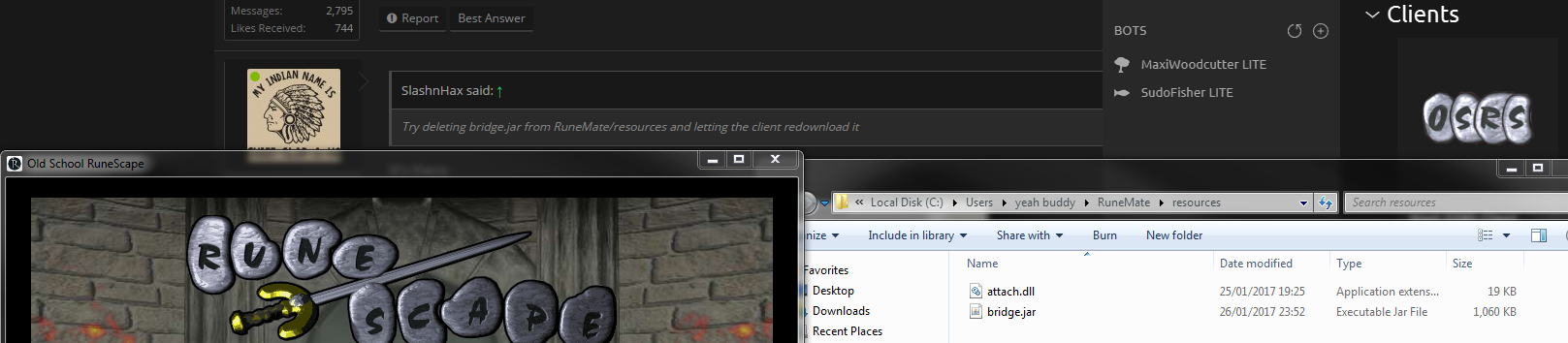
Try deleting bridge.jar from RuneMate/resources and letting the client redownload it
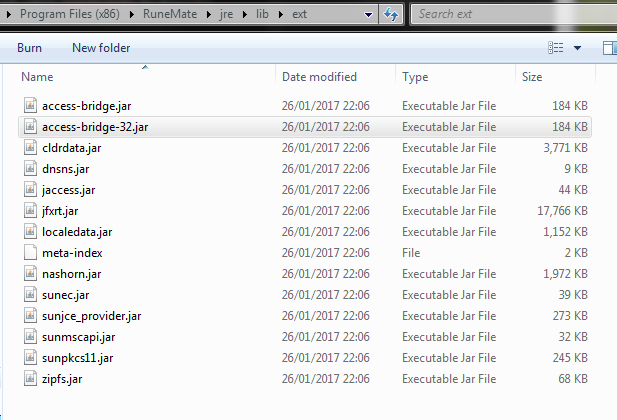
That dont look like Runemate/Resources...It's there
Directory location? I can't seem to find itThat dont look like Runemate/Resources...
/user/Runemate/resources/Directory location? I can't seem to find it
/user/Runemate/resources/
We use essential cookies to make this site work, and optional cookies to enhance your experience.


